AI Voice Agents
Running a campaign
Add leads, choose when to call and where meetings go, then start calling.
On this page
A campaign is a list of people to call with one agent.
Setting it up
- Choose New campaign and pick an agent. The campaign gets its own copy, and the Launch Gate tests that copy while you add leads.
- Under When it calls, set the days and hours. You can skip public holidays.
- Choose how many Calls at once and the number of Attempts per lead.
- Under Meetings go to, connect a calendar if the agent books meetings.
- Add people with Import leads or Add lead.
Running it
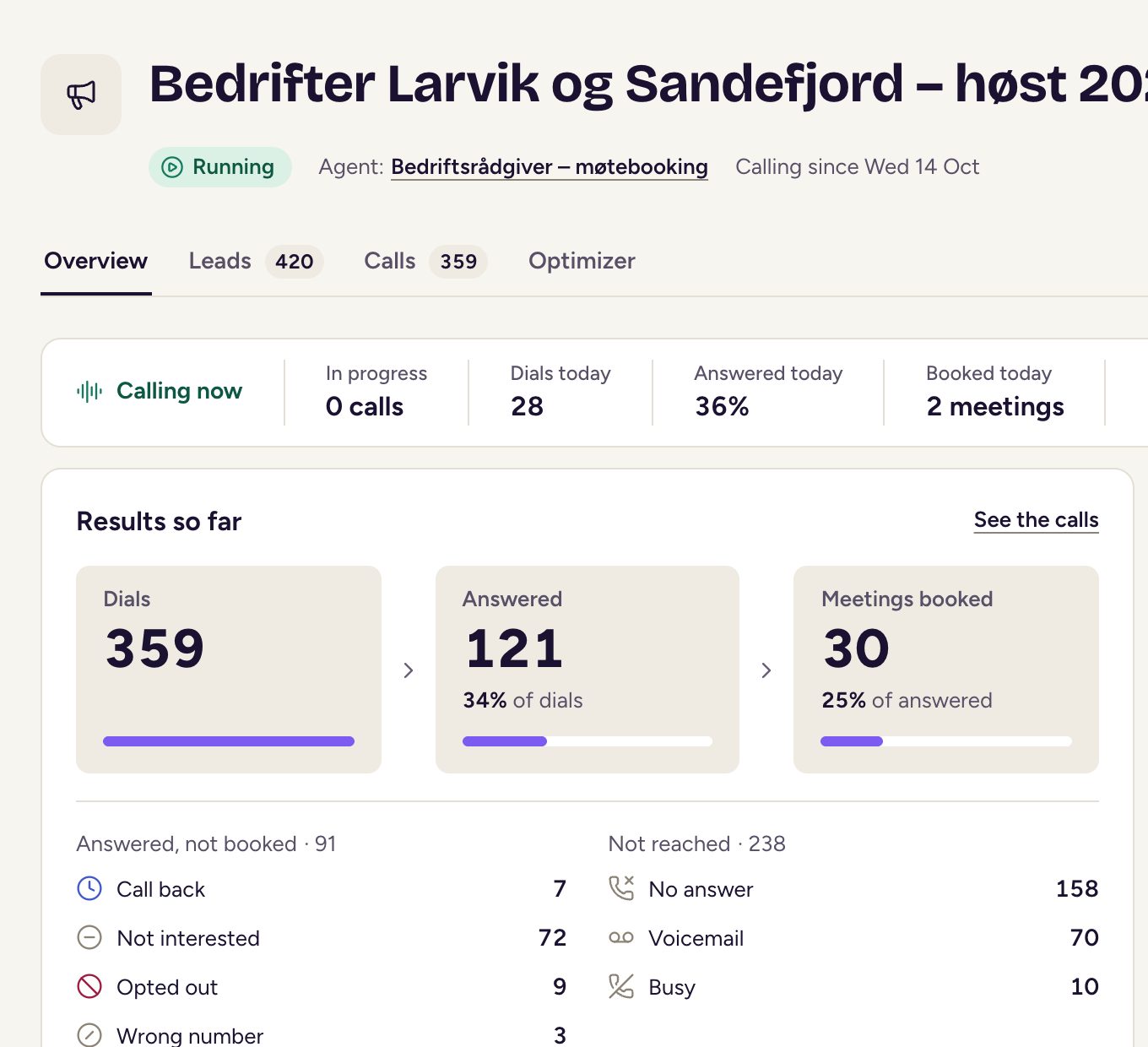
Choose Start calling once it has leads and its agent has passed. You can use Pause calling at any time, and Resume calling when it’s ready to call again. End campaign stops it for good. The Overview, Leads and Calls tabs show how it’s going.