AI Coaching
For team leads
Follow your team, build learning journeys and shape what good looks like.
Team leads and organisation admins get a team area next to their own learning.
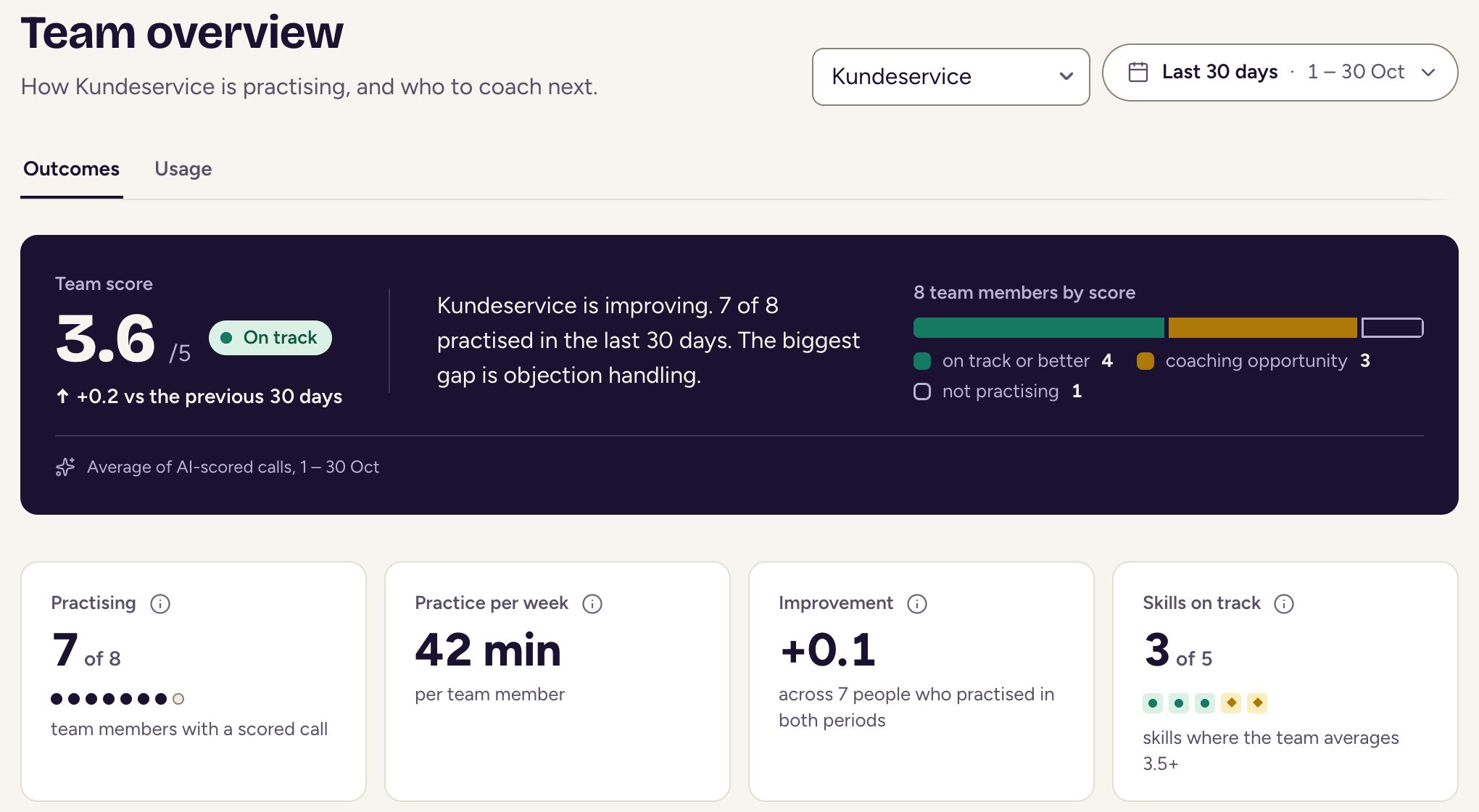
Team overview
Team overview has 2 tabs: Outcomes shows how people are doing, and Usage shows practice minutes for your whole organisation. You can open each member, and see exam results under Exam results.
Creating a journey
Use Create journey to build one in 6 steps: who it’s for, what they practise, the customer, the skills to score, the level and context, then review. You can also choose Start from a template, and use Try it out before you assign it.
Skills
Under Skills, you set what each score level means for your organisation. That way, feedback reflects how your team works.
Knowledge
Under Knowledge, you can upload documents, approve the facts they contain and describe your organisation under About your organisation. This keeps practice close to how you really work.
Share links
Share links let someone without an account try one practice call. You choose when the link expires and how many times it can be used.