Feedback and scores
After each call you get a score and a reason for each skill. Here is what they mean.
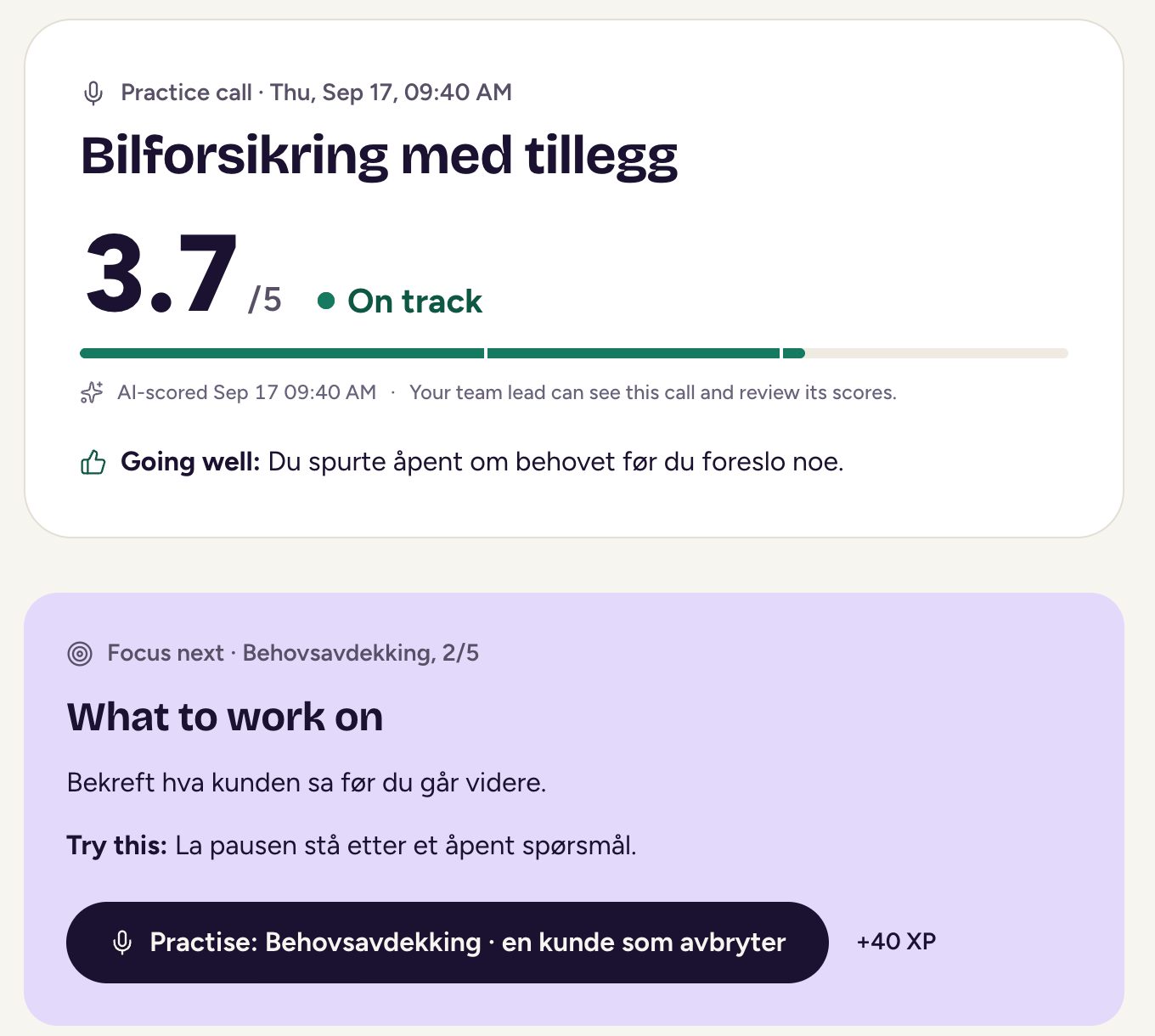
After a practice call, you see how it went, skill by skill.
What you get
- Skills on this call: a score for each skill.
- AI rationale: the reason for the score, in plain words.
- Focus next: the one thing to work on.
- What to work on: what to do now.
Scoring usually takes about a minute. You don’t need to wait on the page: your feedback stays in Practice under your calls.
More on the page
- Going well says what worked.
- Product facts checks what you said about products against your organisation’s approved facts, and shows the right fact when something was wrong. It appears when your call touched products.
- Tips you got during the call and the Transcript are tucked away below, if you want to read them again.
- This week shows the XP you earned, your weekly goal and your streak.
- Make a new version lets you try the same call easier or harder. See journeys and practice calls.
Your team lead can see the call and review its scores.
What the scores mean
Skills are scored from 1 to 5, and every score comes with a word. You can open How scoring works in the app at any time.
| Score | Word |
|---|---|
| 4.0 and up | Well done |
| 3.5 to 3.9 | On track |
| 2.0 to 3.4 | Coaching opportunity |
| Under 2.0 | Growth area |
Your level on each skill is an average across your calls. Open a skill under Practice to see its scores over time and what good sounds like.
If a call isn’t scored
Very short calls aren’t scored. Those show This call wasn’t scored, and you can choose Take this call again. A call that ends early, for example when your connection drops, is only scored if you said enough. What you said is saved either way. If something goes wrong on our side, you can choose Score it again.
Updated