Running a campaign
Add leads, choose when to call and where meetings go, then start calling.
On this page
A campaign is a list of people to call with one agent.
Setting it up
- Choose New campaign and pick an agent. The campaign gets its own copy, and the Launch Gate tests that copy while you add leads.
- Under When it calls, set the days and hours. You can skip public holidays.
- Choose how many Calls at once and the number of Attempts per lead.
- Under Meetings go to, connect a calendar if the agent books meetings.
- Add people with Import leads or Add lead. See Leads.
Running it
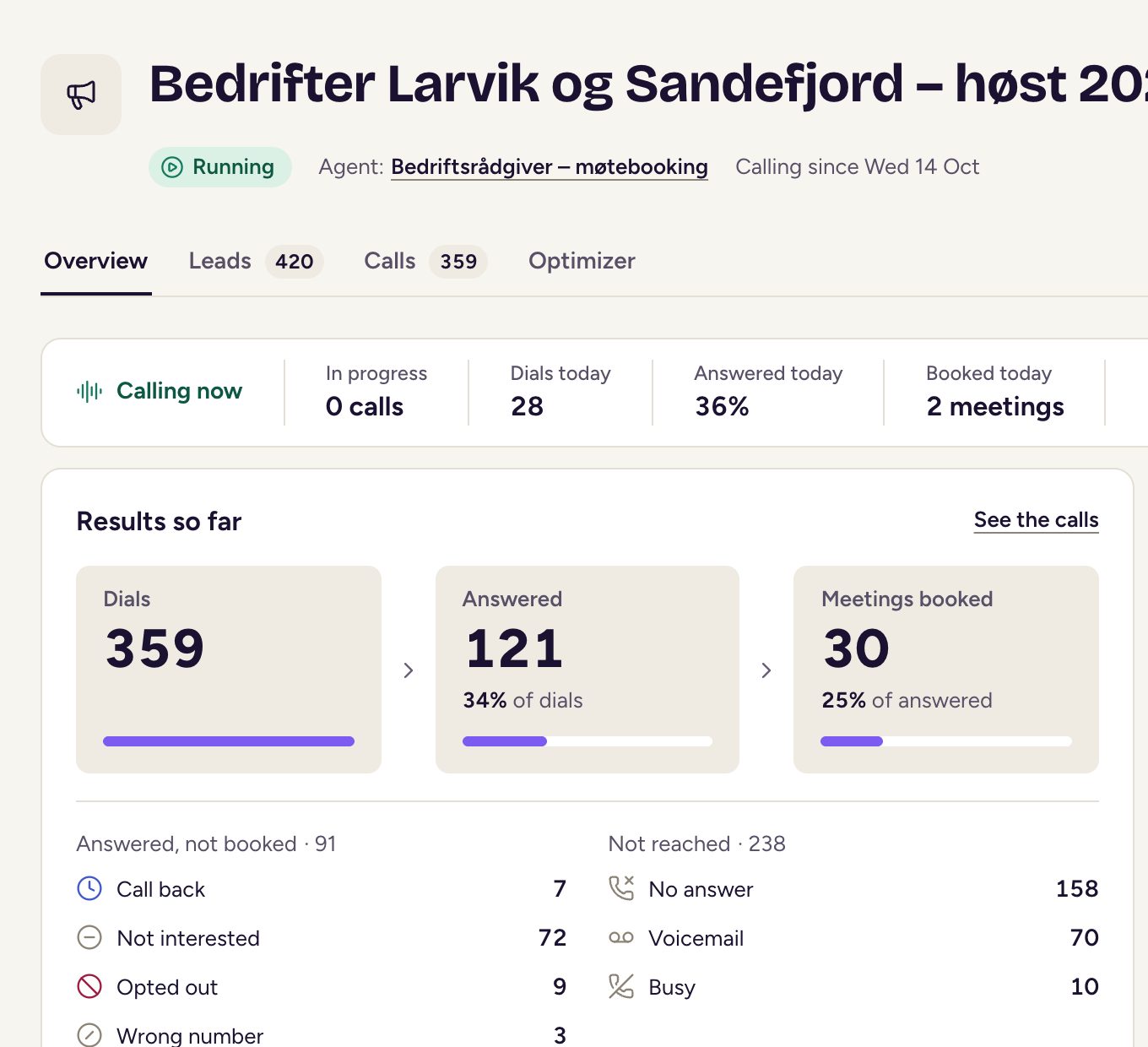
Choose Start calling once the Before it can start list is clear. It checks the leads, the Launch Gate, the agent’s company name and number to call from, any lead details the agent reads out, and a calendar if the agent books meetings. You can use Pause calling at any time, and Resume calling when it’s ready to call again. End campaign stops it for good. The Overview, Leads, Calls and Optimizer tabs show how it’s going.
What happens to a lead
On the Leads tab, each lead has a status:
- To call: waiting for its turn inside the calling window.
- Calling: the agent is calling them now, or is about to.
- Scheduled: a call back or a new try is booked.
- Booked: a meeting is booked. The lead isn’t called again.
- Not interested: the lead said no. They aren’t called again from this campaign.
- No answer: the agent used every attempt, so it stops calling.
- Do not call: the number is on the do-not-call list, or it turned out to be a wrong number.
- With your team and Needs review: AI calls have stopped.
After no answer, a busy line or voicemail, the lead moves to Scheduled and is tried again later, until the attempts run out. A requested call back is made at the time the person asked, or when the calling window next opens.
When a campaign pauses by itself
A campaign pauses itself, and says why on its page, when:
- its agent was saved or no longer passes. Pass the Launch Gate if it needs to, then choose Resume calling.
- its agent has no company name. Add one in the agent’s settings.
- none of its numbers can call, they can’t call that country, or the phone provider refuses them. Contact Future Ready.
Changing, ending and removing
While a campaign is calling, its agent and calendar are locked. Pause it first to change them. The name, calling window and pacing can still change.
Under More actions:
- End campaign stops it for good. Calls in progress finish, leads still to call aren’t called, and the campaign moves to Finished.
- Archive moves it out of your list. It can’t call again or be restored, and a running campaign must be paused or ended first.
- Delete for good is for admins, on archived campaigns. It removes the campaign and its leads. Calls and transcripts stay in call history until their normal expiry.
Updated